Searching วิธียกเลิกจองบุฟเฟ่ต์ means you already have a Hungry Hub buffet booking and something changed — a client canceled, a flight moved, or you just found a better deal. This guide walks through the exact cancel and reschedule steps, what to do when the button won't cooperate, and how to rebook without losing your discount in 2026.
- วิธียกเลิกจองบุฟเฟ่ต์ starts in your Hungry Hub confirmation email, not a phone call to the restaurant.
- Rescheduling keeps deals over 50% off intact as long as you stay inside the booking window.
- Party Pack and group bookings of 6 or more usually need a support request instead of the self-serve button.
- Past the cancellation window? Contact Hungry Hub support before assuming the seat is gone.
- Self-serve cancel or reschedule on web.hungryhub.com is faster than calling the restaurant directly.
Why This Matters
Discounted buffet slots on Hungry Hub move fast, especially Come More Pay Less and All You Can Eat deals during weekend dinner rushes. A no-show or a late cancellation can cost you the discount and, at some restaurants, the deposit.
Bangkok's buffet scene in 2026 runs on advance bookings — hotels and restaurants hold reserved seats for Hungry Hub diners, which means the cancel window matters more than it would for a walk-in table. Handling the change correctly protects your money and keeps your account in good standing for future bookings.
What You'll Need
- Your Hungry Hub booking confirmation email or SMS
- Your Hungry Hub account login, or the reservation code from the confirmation
- The restaurant name, date, and original time slot
- A backup date and time if you're rescheduling rather than canceling outright
- The payment method used at checkout, in case of a deposit adjustment
The Steps
Step 1: Pull up your booking confirmation
Find the confirmation email or SMS Hungry Hub sent when you booked. It carries your reservation code, the restaurant name, and the exact time slot — you'll need all three for the next step. If you can't find it, check spam or search your inbox for "Hungry Hub" plus the restaurant name.
Common mistake: searching only for the restaurant name and missing the confirmation because it's filed under a promo subject line.
Step 2: Log into your Hungry Hub account
Open your account on web.hungryhub.com using the email or phone number tied to the booking. If you booked as a guest, use the direct link in the confirmation instead of the login page — guest bookings don't always attach to an account.
Step 3: Open the reservation you want to change
Inside your bookings list, find the reservation by date and restaurant name. Tap into it to see the cancel and reschedule options along with the current status of the booking.
Step 4: Choose Cancel or Reschedule
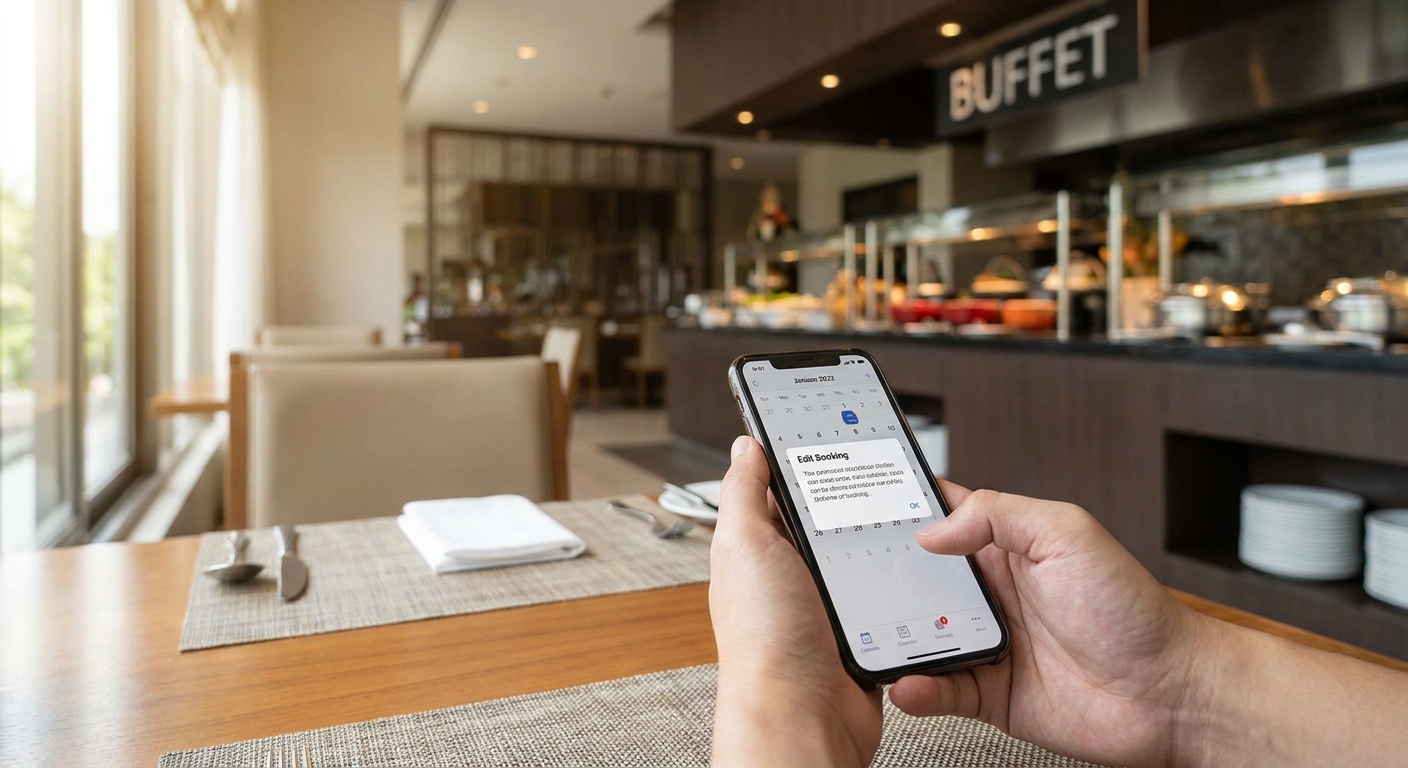
This is the decision point. Canceling releases the table entirely and, depending on the deal, may affect any deposit paid. Rescheduling moves the same booking to a new date or time and typically keeps the original discount attached.
“If your reservation is more than 2 hours away, reschedule instead of canceling — you keep the deal.”
Step 5: Pick a new date and time (reschedule only)
Select an available slot from the calendar. Popular Bangkok buffet restaurants often show fewer open slots on weekend evenings in 2026, so check two or three date options before committing. Confirm the new slot shows the same package name as your original booking — that's how you verify the discount carried over.
Expected outcome: a new confirmation email lands within minutes, replacing the old time with the new one.
Step 6: Confirm and save the new confirmation
Screenshot or save the updated confirmation. Restaurants sometimes ask to see it at the door, especially for Party Pack or large-group bookings, so having it on your phone avoids a conversation at the host stand.
Step 7: Contact support for edge cases
Same-day changes, group bookings of 6 or more, or a cancel button that won't load all fall outside the self-serve flow. Reply to the confirmation email or use the contact option on the booking page — support handles these manually and faster than a repeated login attempt.
Need to rebook a buffet slot?
Browse discounted buffets across Bangkok and lock in a new time in minutes.
Troubleshooting
The cancel button is greyed out. This usually means you're inside the restaurant's cancellation window, often the final hours before the seating. Contact support directly instead of retrying the button.
No confirmation email arrived. Check spam first. If it's genuinely missing, log into your account — the booking still exists there even without the email copy.
You booked through Google or Facebook login. Use the same login method to access your bookings; a password-based login on a different account won't show the reservation.
Large group booking won't reschedule online. Party Pack and table-for-10-plus bookings are flagged for manual handling. Message support with your reservation code rather than repeating the self-serve flow.
You missed the cancellation window. Some restaurants still allow a change if you reach out before the reservation time — don't assume the seat is forfeited without asking.
The new time slot won't save. Refresh the page and reselect the date before the time; slots sometimes need the date confirmed first before showing available hours.
Tools and Resources
- How to book a buffet restaurant early — the flip side of this guide, for locking in a slot before it fills
- Best buffet restaurants in Bangkok for every budget — useful if you're rescheduling into a different price range entirely
- Your Hungry Hub account dashboard, where every past and upcoming booking lives in one list
What To Do Next
If the change involves a bigger group than your original booking, read how to use group buffet discounts before you rebook — group pricing works differently from a solo or couple's reservation, and rebooking under the wrong category can cost you the discount.
FAQ
How do I cancel a buffet reservation on Hungry Hub?
Log into your Hungry Hub account, open the booking, and select Cancel. The confirmation email also carries a direct cancel link if you booked as a guest.
Can I reschedule instead of canceling?
Yes, and it's usually the better option. Rescheduling keeps your original discount attached to a new date or time instead of releasing the deal entirely.
What happens to my deposit if I cancel?
Deposit handling depends on the restaurant and how close to the reservation time you cancel. Check your specific confirmation email for that booking's terms before canceling.
Is there a fee for rescheduling a buffet booking?
Most reschedules inside the allowed window don't carry an extra fee, but confirm on your booking page since terms vary by restaurant and deal type.
Can I cancel a group or Party Pack booking online?
Large group bookings, generally 6 people or more, often need a support request rather than the self-serve cancel button. Message Hungry Hub support with your reservation code.
What if my reservation is today and I need to cancel now?
Same-day cancellations should go through support directly rather than the self-serve flow, since the cancel window may already be closed on the app.
I didn't get a confirmation email — how do I find my booking?
Check spam first, then log into your Hungry Hub account with the same email or login method used at checkout. The booking exists in your account even if the email is missing.
Can I change the restaurant, not just the date?
That typically requires canceling the original booking and making a new one, since deals are tied to a specific restaurant and package.
One Last Thing
The single biggest mistake diners make in 2026 isn't forgetting to cancel — it's canceling when rescheduling would have kept the discount. If your plans shifted by a day or two, check the reschedule option before you hit cancel; it's the difference between keeping a deal over 50% off and starting from scratch on your next booking.